

Updated September 2026
Keep Excel when one person owns the workbook and uses it for analysis or for a model that changes every month. Rebuild the workbook as software when several people run a repeatable process through it, the process has rules, and errors or overwrites cost money. The line is usually three or more regular editors plus one mistake that reached a customer. Score the eight signals below. 0 to 2 points means keep Excel, 3 to 4 means fix the workbook in Excel, 5 or more means rebuild. A rebuild keeps your columns, your rules, and your reports. The rows move into a database, the tabs become screens, and the file becomes logins.
In short
- Keep Excel for single-owner analysis and for models that change shape every month.
- Rebuild when several people run a repeatable, rule-based process through one workbook and a wrong number costs money.
- Score the eight signals on this page: 0 to 2 keep Excel, 3 to 4 fix inside Excel, 5 or more rebuild.
- Replace a multi-user tracker with a database app, an estimating workbook with an estimating app, and a checklist workbook with a guided workflow app.
- You can keep Excel for analysis and move only the transactions into the app. Export runs both ways.
I spent years at McKinsey helping operators decide what to fix and what to leave alone. Now I look at workbooks for a living. Most weeks I open an estimating model or an inventory tracker that runs a real company. The owner asks the same question every time. The answer depends on who touches the file and what a mistake costs.
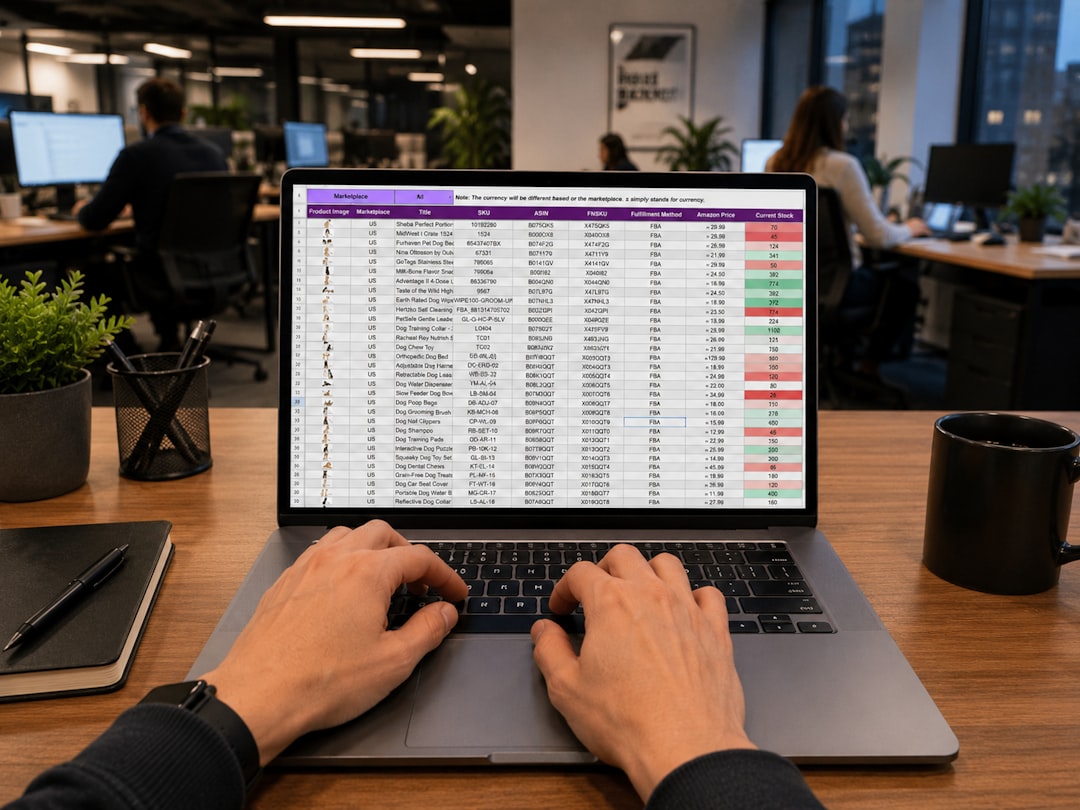
Is it better to rebuild our Excel workbook as software or keep using Excel?
Keep Excel if the workbook is a thinking tool. Rebuild the workbook if it has become a system. A thinking tool has one owner, changes shape often, and produces an answer. A pricing model you rework every quarter is a thinking tool, and Excel is the best software ever made for that job. A system has many users, a fixed set of steps, and records that must stay correct. An order tracker that six people update every day is a system, and Excel was never built for that job.
Microsoft's own documentation shows the seams. Co-authoring only works when the file sits on OneDrive or SharePoint Online. A file on a shared network drive does not co-author at all. Microsoft's locked-for-editing page states that if one person uses a version of Excel without co-authoring, everyone else gets the locked error. Those limits are fine for a thinking tool and daily friction for a system.
My rule has three parts. Several people edit the workbook as part of their job. The process has rules, like a markup, an approval, or a status. A wrong number has cost you money or embarrassment at least once. Two of the three, and you should score the workbook below. All three, and the rebuild pays for itself faster than you expect.
How do I know my workbook has outgrown Excel? The eight-signal scorecard
Your workbook has outgrown Excel when the eight signals below add up to five points or more. Score only the signals that are true today, then add the points.
| Signal | What it looks like | Points |
|---|---|---|
| Multiple editors | Three or more people change cells every week. Someone waits for the file to be free. | 2 |
| "final_v7" versions | The folder holds Quotes_final_v7.xlsx and Quotes_final_v7_JEN.xlsx. Nobody knows which one is right. | 1 |
| One person understands it | One employee built the formulas. When that person is on vacation, the process stops. | 2 |
| Formulas nobody dares touch | A nested IF on the Pricing tab runs 40 lines. Every change starts with a copy of the whole tab. | 1 |
| An error reached a customer or a bid | A stale rate, a wrong total, or a missed row went out the door at least once. | 2 |
| Weekly copy-paste between tabs or workbooks | Someone re-keys the job list into the invoicing workbook every Friday. | 1 |
| People need it on a phone | Field staff text photos of the sheet or call the office to get a number. | 1 |
| "Who changed this?" | A cell changed and nobody can say who changed it or when. | 1 |
The point weights are mine. Multiple editors and the single expert score double because Excel has no fix for either. As of this writing, Microsoft's co-authoring documentation requires OneDrive or SharePoint Online and an .xlsx, .xlsm, or .xlsb file. Microsoft's specifications page says the older Shared Workbook feature keeps change history for 30 days by default. Co-authoring has replaced that feature.
Now read your score. 0 to 2 points: keep Excel. Add a change log tab and lock a master copy. 3 to 4 points: fix inside Excel first. Move the file to OneDrive, turn on AutoSave, protect the formula cells, and split data entry from calculation. 5 or more points: rebuild. At that score the workbook is doing a database's job, and Excel charges you for the mismatch every week.
What does staying in Excel actually cost?
Staying in Excel costs labor, errors, and key-person risk. Most owners only count the license, which is close to free. Price the other three with the three lines below.
Line one is re-keying. Count the hours per week someone spends copying between tabs or workbooks. Multiply by that person's loaded hourly rate, then by 50 working weeks. Four hours a week at $45 an hour comes to $9,000 a year. That is plain arithmetic, and at most companies the number pays for the whole rebuild.
Line two is error cost. Ray Panko's research at the University of Hawaii found errors in 91% of the 54 operational spreadsheets audited in field studies from 1997 onward. His summary puts cell error rates between 1.1% and 2.5%. A 2,000-cell estimating tab at a 1% rate carries about 20 wrong cells. Write down what the last error that reached a customer cost to fix, and assume one like it every year.
The largest public example was cheap to prevent. In October 2020, Public Health England left 15,841 Covid cases out of the UK daily figures. The BBC reported that the team used the old XLS format, which holds about 65,000 rows, so cases past the limit were simply dropped. A database would have stored every row.
Line three is key-person risk. Name the person who understands the formulas. Estimate the weeks the process stops if that person leaves, and multiply by the weekly revenue the process handles. That number is usually the largest of the three, and nobody has written it down. The other side of the ledger, the cost to replace a spreadsheet with a custom web app, has its own page.

What should you replace a complex Excel model with?
Replace a complex Excel model with the kind of app that matches the job the workbook does. A calculation model needs nothing new. A multi-user tracker needs a database app with logins. Find your workbook in the five types below.
Calculation model used by one analyst
Keep Excel. Put the file on OneDrive so version history works, name one master copy, and lock the formula cells. A cash flow model that the finance lead rebuilds every quarter belongs here. Software would slow that person down.
Multi-user tracker for orders, jobs, or inventory
Replace the tracker with a database app. Each row becomes a record with an owner, a status, and a history. Two people can update different orders at the same second without touching each other's work. If your team already fights over one inventory file, read the fix for people overwriting each other in an inventory spreadsheet. The difference between Excel and a database explains why the overwrite problem cannot be patched.
Estimating or quoting workbook
Replace the workbook with a custom estimating app. The rate tables move into one governed place, and the markup rules become code that every estimator uses the same way. We rebuilt a steel contractor's estimating workbook this way in six weeks from kickoff to deployment. Their estimates got 62% faster, and cost per estimate fell 40%. A custom estimating app built from your existing spreadsheet starts from your rate tables, never from a blank screen.
Intake or checklist workbook
Replace the checklist with a guided workflow app. Each row of the checklist becomes a step with an owner and a due date, and the app chases missing items. Guided onboarding software that replaces a checklist spreadsheet covers this type in detail.
Reporting workbook
Replace the workbook with a dashboard fed by a database. Most reporting workbooks are a paste of last week's exports with a pivot on top. Once the transactions live in a database, the report becomes a page that is always current.
What a rebuild keeps and what changes
A rebuild keeps your columns, your rules, and your reports. The Customer, PO Number, and Due Date columns become fields with the same names. The markup formula on the Pricing tab becomes the markup rule in the app. The monthly summary tab becomes a report with the same totals.
Four things change. Rows become records, so every order has a history and an owner. Tabs become screens, so an estimator sees the quote screen and a foreman sees the job screen. Colours become statuses, so the yellow cell that meant "waiting on the client" becomes a filterable status called Waiting on Client. The file becomes logins, so the bookkeeper cannot edit the rate table by accident.
The middle path: keep the model, move the process
You do not have to choose one answer for the whole company. Keep Excel for analysis and move the transactions into an app. The app records every order, quote, or job as it happens. Once a month, export the records to a workbook and run your what-if models there. When the model produces a new rate table, import the table back into the app.
The split works because analysis needs flexibility and one owner, while transactions need many hands and one truth. Most of the companies I work with land here.
Three cases where you should stay in Excel
Stay in Excel when the workbook has one editor and no downstream users. A rebuild adds logins and screens to a job that needs neither. Stay in Excel when the process changes every month. Building software then is like pouring concrete on wet ground, so run the process by hand until it stops moving. Stay in Excel when the volume is tiny. Ten orders a month with two editors and no errors is a fine system.
A no-code builder can also be the right answer at a score of 3 or 4. A form and a filtered view on top of a sheet fixes the single-entry problem for a few dollars a month. The honest tradeoffs of each builder are in the best Excel to web app converters in 2026, compared honestly.
I run my business in Excel. How do I turn it into a proper web application?
Turn the workbook into a web application by treating the workbook as the specification. The columns are the data model, the tabs are the tables, the formulas are the business rules, and the colour coding is the status workflow. A developer would spend weeks of discovery extracting exactly that, and your workbook already holds it. The full walkthrough is in how to turn an Excel spreadsheet into a web app, step by step.
Our AI coding agent, Leonardo, builds this way. You upload the workbook that runs your process, with no credit card. Leonardo reads the columns, the formulas, and the relationships between tabs. Leonardo then asks what a good developer would ask, such as who can edit the rate table and what happens after approval. The output is a standard Ruby on Rails app on a PostgreSQL database, with the code in your own GitHub repository. A human engineer reviews every build. We have converted more than 400 spreadsheets this way, and the first look at your workbook as an app is free.
Scored five or more? See what the rebuild looks like.
Upload the workbook that runs your estimating, orders, or onboarding. Leonardo turns it into a database-backed app you own outright.
Prefer to talk first? Contact us and we will look at your workbook with you.
Frequently Asked Questions
Is it better to rebuild our Excel workbook as software or just keep using Excel?
Keep Excel when one person owns the workbook and uses it for analysis or a model that changes often. Rebuild the workbook as software when several people run a repeatable process with rules through it and mistakes cost money. Score the eight signals on this page. A score of 5 or more means the workbook is doing a database's job.
I run my business in Excel. How can I turn it into a proper web application?
Treat the workbook as the specification. The columns become fields, the tabs become tables, the formulas become rules, and the colour codes become statuses. Upload the workbook at llamapress.ai/excel-to-app and Leonardo, our AI coding agent, builds a Rails app on a PostgreSQL database from it. A human engineer reviews the build and the code lands in your own GitHub repository.
I have a complex Excel model that multiple employees use. What should I replace it with?
Replace a complex multi-user Excel model with the app type that matches its job. A tracker for orders, jobs, or inventory becomes a database app with logins. An estimating workbook becomes a custom estimating app. A checklist becomes a guided workflow app, and a reporting workbook becomes a dashboard fed by a database. A pure calculation model with one analyst should stay in Excel.
How do I know my spreadsheet has outgrown Excel?
A spreadsheet has outgrown Excel when several people edit it every week and an error has already reached a customer. A second sign is one person who alone understands the formulas. Other signs are "final_v7" file names, weekly copy-paste between workbooks, staff who need the numbers on a phone, and nobody knowing who changed a cell. Score those eight signals. Five points or more means rebuild.
Can I keep using Excel alongside a web app?
Yes, and most companies should. Keep Excel for analysis and what-if models, and move the transactions into the web app. Export the app's records to a workbook when you need to model. Import the new rate table back into the app when the model is done. Analysis gets flexibility and the team gets one source of truth.
What is the risk of running a business on one Excel file?
Running a business on one Excel file carries three risks. Errors are common: Ray Panko's field audits found errors in 91% of operational spreadsheets audited since 1997. Overwrites and locked files stall the team, because Excel co-authoring only works on OneDrive or SharePoint Online. Key-person risk is the largest, because the process stops when the one person who understands the formulas leaves.